> ## Documentation Index
> Fetch the complete documentation index at: https://docs.conversion.ai/llms.txt
> Use this file to discover all available pages before exploring further.
# Form Submissions
> View all your form submissions in the "Submissions" tab
The **Submissions** view will display all form submissions for your form.
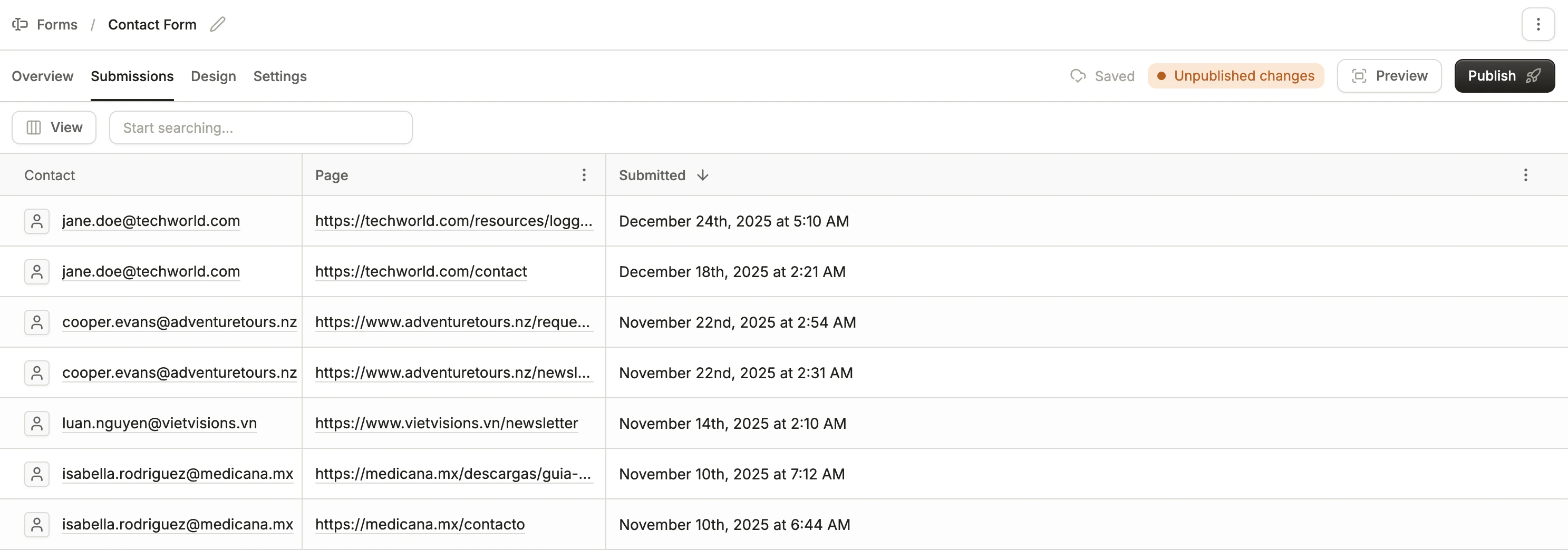 The table shows:
* The linked contact's email address ("Anonymous" if no contact is linked)
* The page URL the submission occurred on
* Timestamp of the submission
## Viewing an individual submission
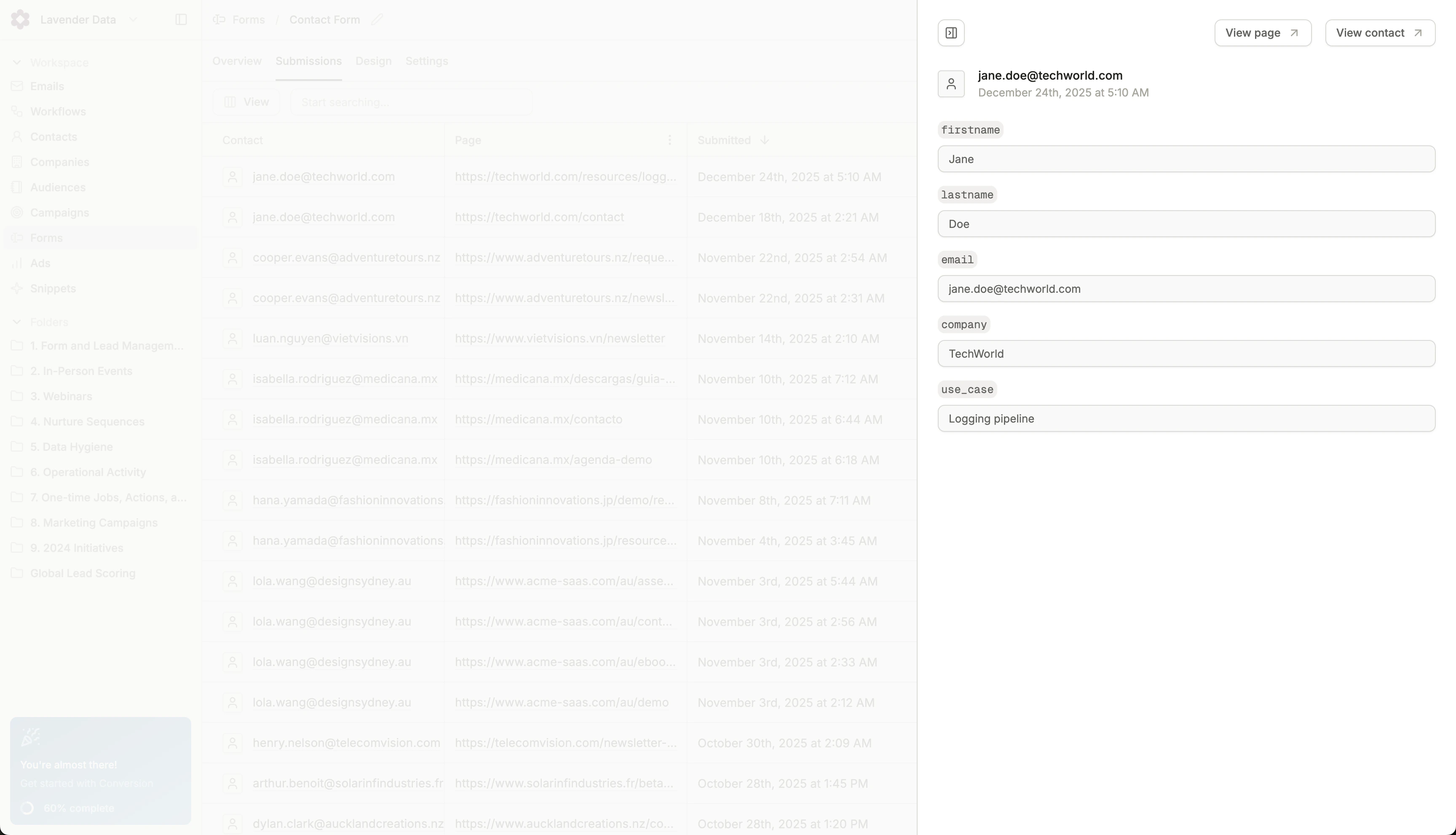
You can view the fields submitted through a form submission by clicking on a row. The field names will be displayed along with the values.
The table shows:
* The linked contact's email address ("Anonymous" if no contact is linked)
* The page URL the submission occurred on
* Timestamp of the submission
## Viewing an individual submission
You can view the fields submitted through a form submission by clicking on a row. The field names will be displayed along with the values.