> ## Documentation Index
> Fetch the complete documentation index at: https://docs.conversion.ai/llms.txt
> Use this file to discover all available pages before exploring further.
# Apollo Integration
> Connect your Apollo account to Conversion and configure the required permissions.
The Apollo integration connects your Apollo account to Conversion, enabling workflow nodes like [Apollo Enrichment](/product-docs/workflows/nodes/apollo-enrichment) to pull firmographic and contact data automatically.
 ## Connecting Apollo
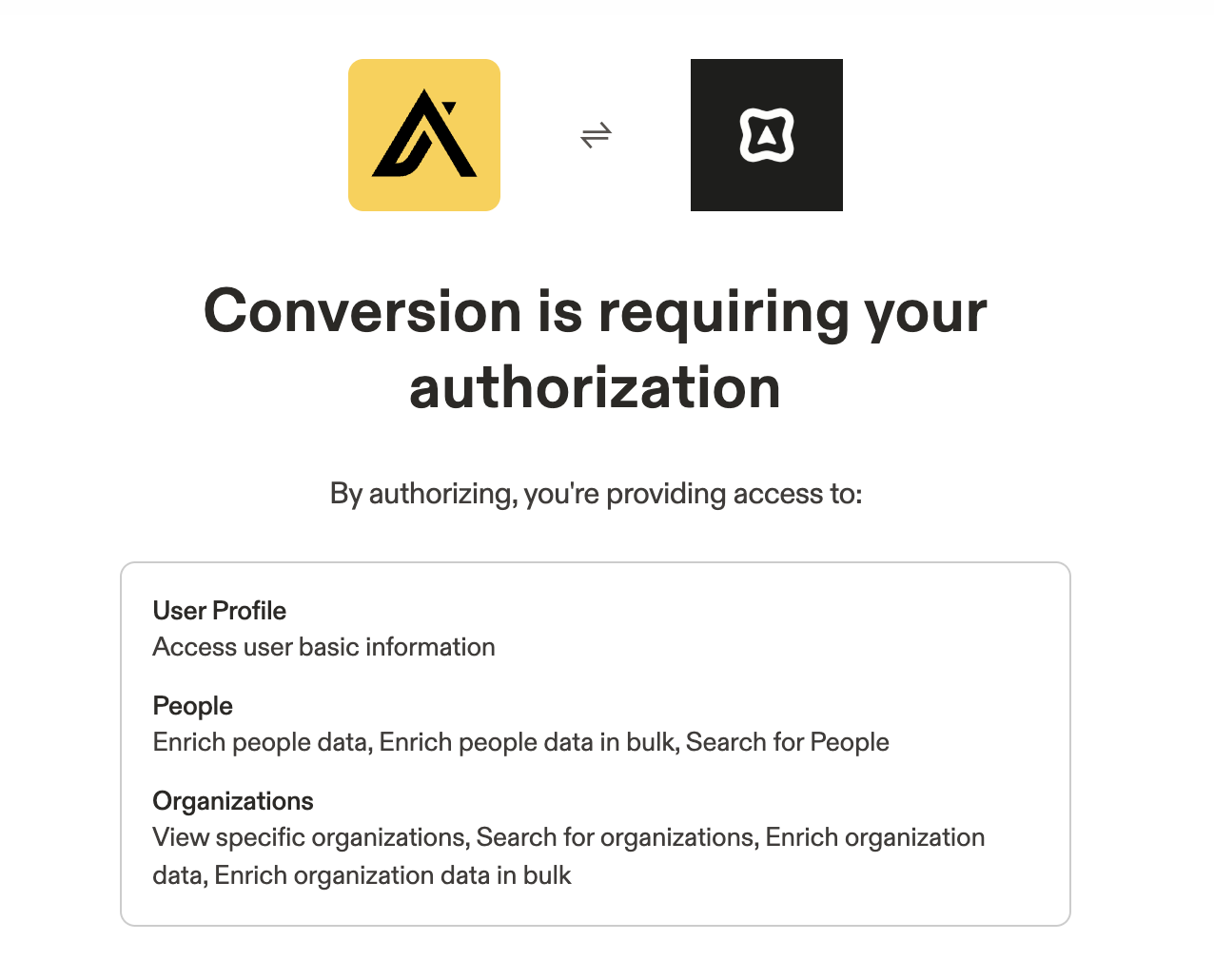
Navigate to **Settings > Integrations** and select **Apollo** from the available integrations. Complete OAuth authentication with your Apollo account credentials.
Once authorized, Apollo appears in your integrations list with a green **Connected** badge. You can disconnect or re-authorize at any time if credentials expire or you need to switch accounts.
## Required permissions
Ensure the **"Can authorize third-party apps/integrations via OAuth"** box is checked in Apollo under **Settings > Users and teams > Permission profiles**. Read more in the [Apollo OAuth documentation](https://docs.apollo.io/docs/use-oauth-20-authorization-flow-to-access-apollo-user-information-partners).
The authenticating user must have the following scopes enabled in Apollo:
* `app_scopes`
* `people_match`
* `people_bulk_match`
* `people_search`
* `organization_read`
* `organizations_search`
* `organizations_enrich`
* `organizations_bulk_enrich`
## Connecting Apollo
Navigate to **Settings > Integrations** and select **Apollo** from the available integrations. Complete OAuth authentication with your Apollo account credentials.
Once authorized, Apollo appears in your integrations list with a green **Connected** badge. You can disconnect or re-authorize at any time if credentials expire or you need to switch accounts.
## Required permissions
Ensure the **"Can authorize third-party apps/integrations via OAuth"** box is checked in Apollo under **Settings > Users and teams > Permission profiles**. Read more in the [Apollo OAuth documentation](https://docs.apollo.io/docs/use-oauth-20-authorization-flow-to-access-apollo-user-information-partners).
The authenticating user must have the following scopes enabled in Apollo:
* `app_scopes`
* `people_match`
* `people_bulk_match`
* `people_search`
* `organization_read`
* `organizations_search`
* `organizations_enrich`
* `organizations_bulk_enrich`