

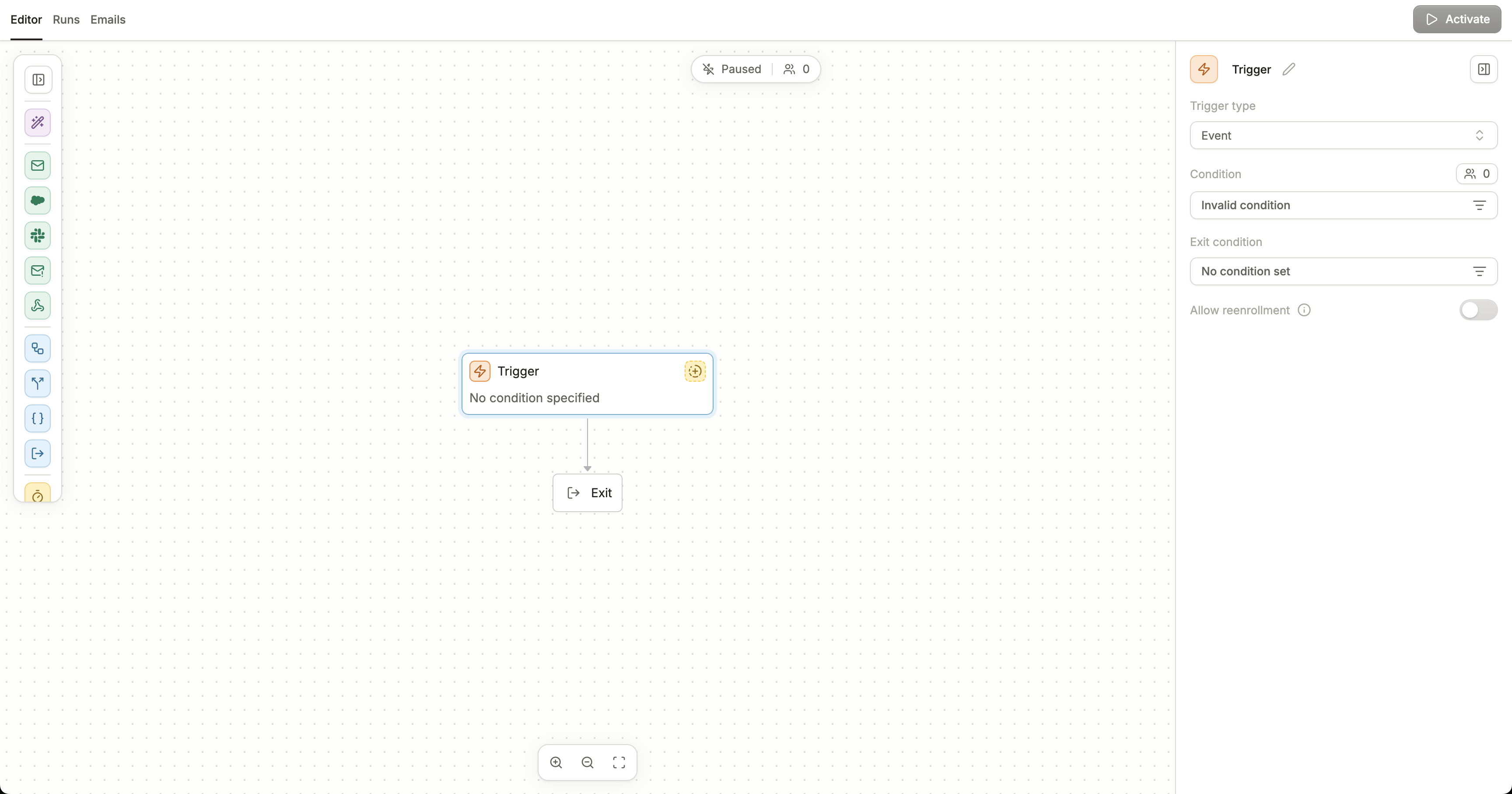
Trigger node in a workflow
Trigger type
Event
asdfSchedule
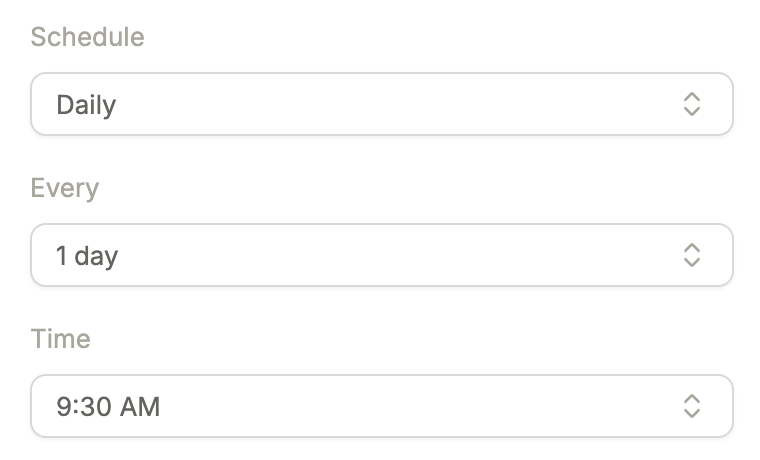
This workflow will run on a daily or weekly cadence. It will trigger for contacts who evaluate the condition statement to be true at the time of the workflow’s scheduled execution.-
Daily - choose how many days this workflow repeats a run, and at what time (15 minute intervals).
- Weekly - choose which days of the week this workflow will run, and at what time (15 minute intervals).
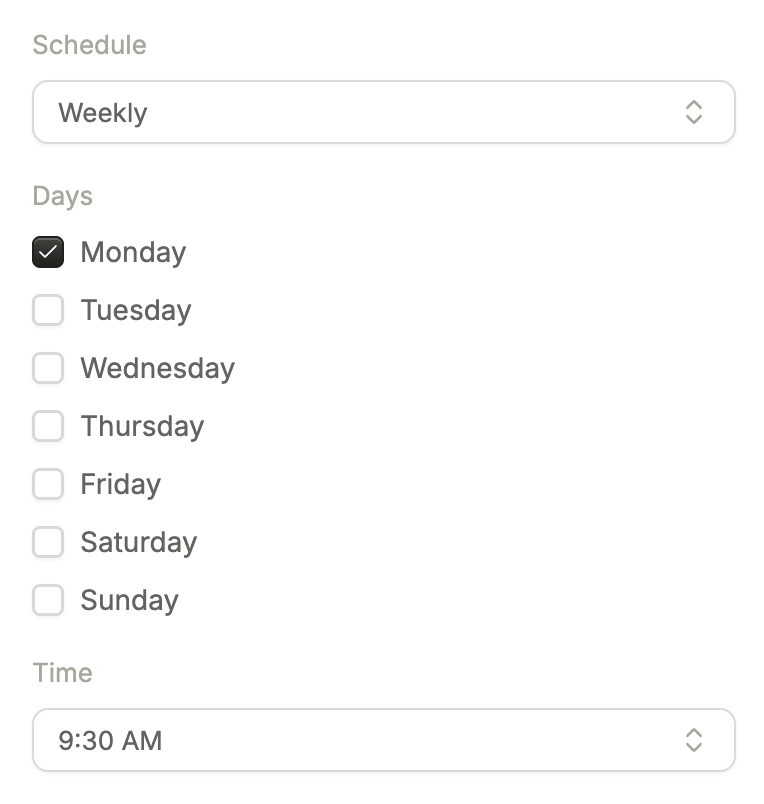
All times are shown in your browser’s local time zone.