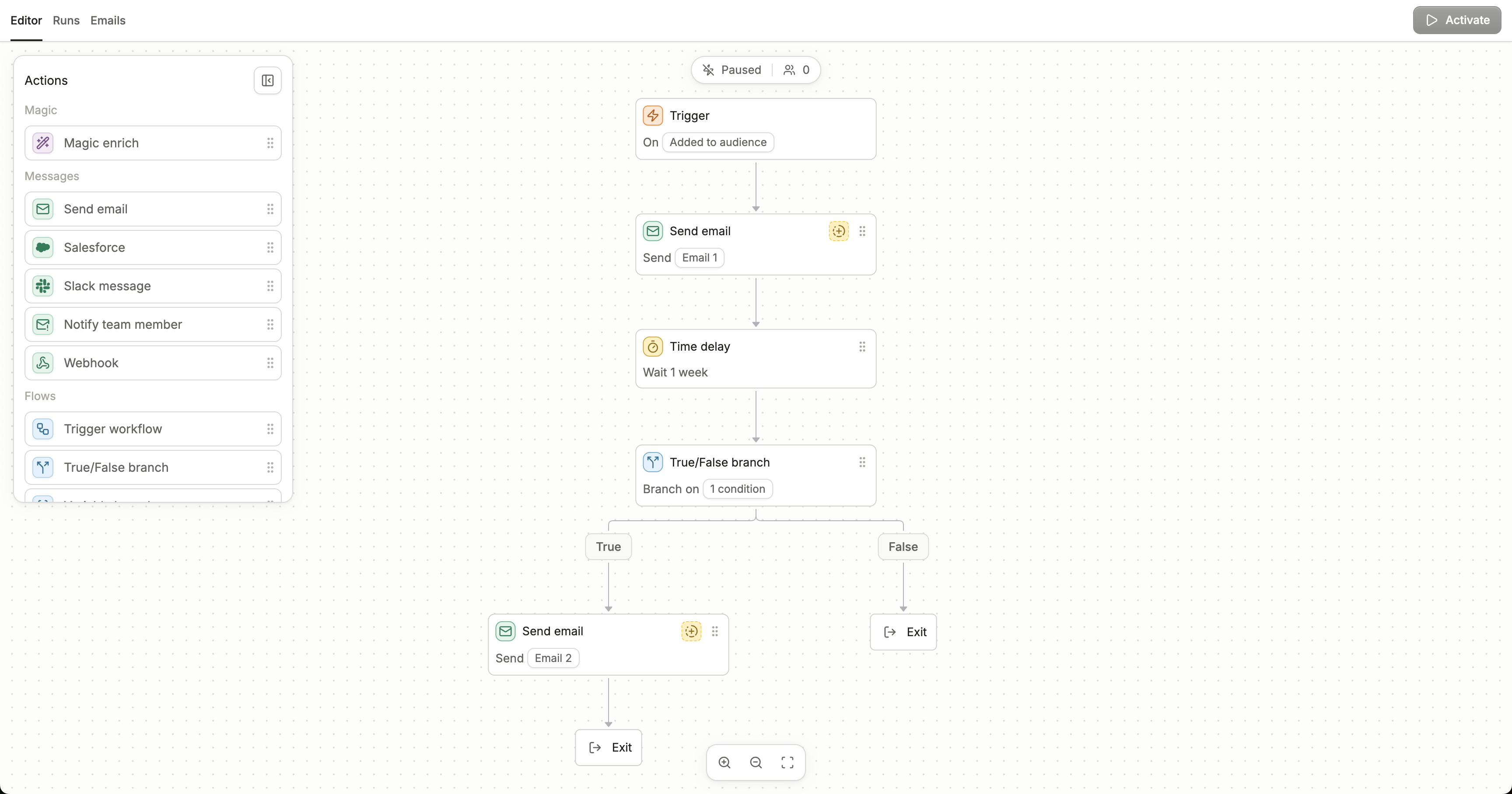
Editor view of a sample workflow
Adding nodes
You can add nodes in two ways: dragging in nodes from the node sidebar, or clicking the ”+” icon in the workflow.Bottom navigation bar
You can use the bottom bar to navigate around the workflow:- Zoom in (
CMD/CTRL +) - Zoom out (
CMD/CTRL -) - Zoom to fit (
SHIFT 1)
- Copy the node
- Move the node
- Delete the node (
DELETE)
Number of running contacts
You can also view the number of contacts currently in the workflow at the top of the workflow. This number will update in real-time as well!