

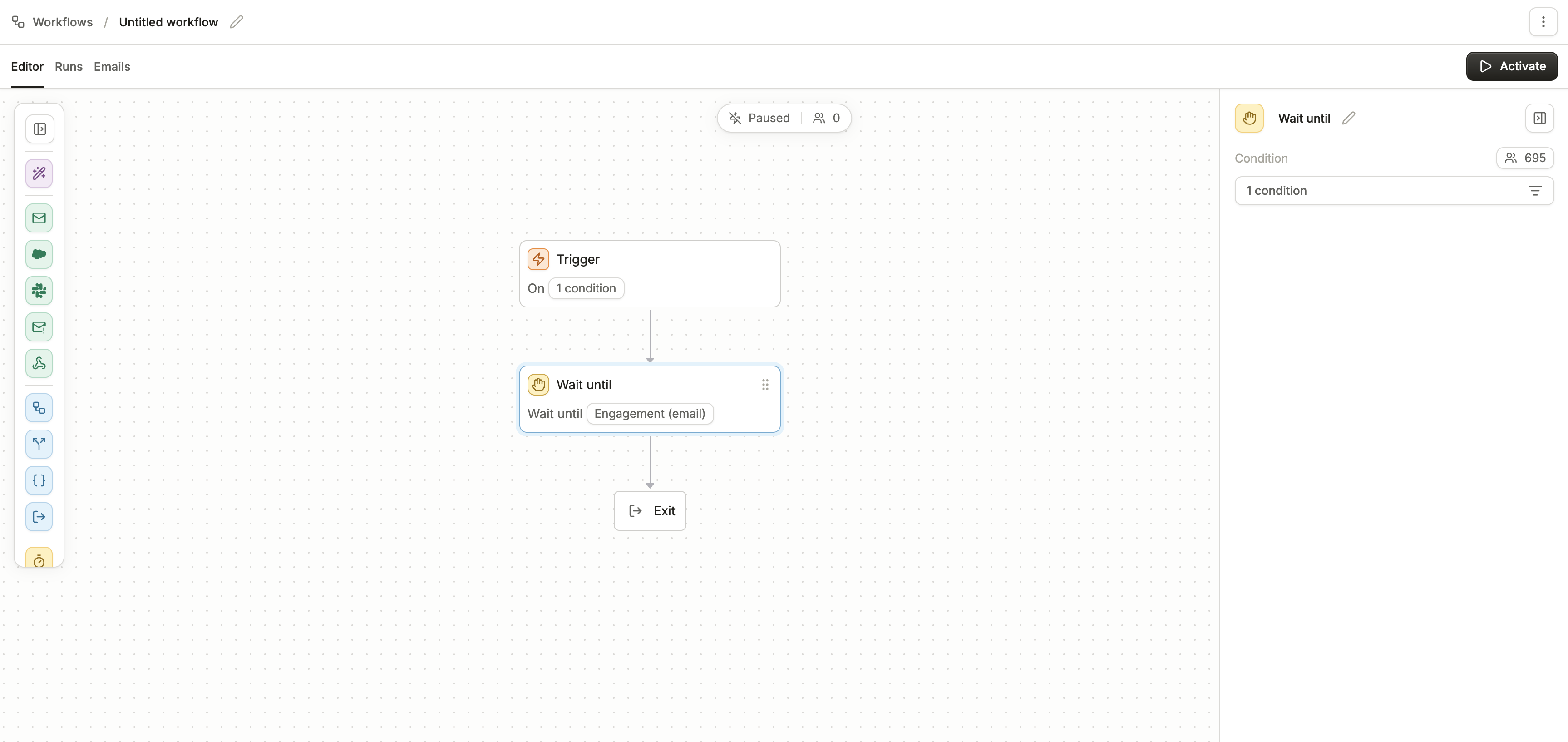
How it works
When a person reaches a Wait Until block:- If they already meet the condition, they skip the wait and move on immediately.
- If they don’t yet meet the condition, they remain paused until they do.
Conditions
Wait Until supports three types of conditions: VariablesMatch profile data stored as variables. For example:
plan_type = enterprisetrial_active = false
Match actions a person has or hasn’t taken with your emails, such as:
- Was sent a message
- Opened or clicked a message
- Did not engage with a specific campaign
Match whether someone is in or not in an audience segment. For example:
- In “Active Customers” audience
- Not in “Churned” audience
Key behaviors
- Immediate skip: If someone already matches the condition when they enter, they move on without waiting.
- Indefinite wait: If they don’t, they’ll pause until they qualify.
- Multiple conditions: You can add multiple groups of conditions joined by AND (must all be true) or separate paths joined by OR (progress as soon as one path is true).
Best practices
- Use for conditions that must be satisfied before continuing, like “Wait until trial ends” or “Wait until in Active Customers audience.”
- Be cautious when using only negative conditions (like “not in audience”), since people may wait indefinitely.
- When mixing with time-based delays, place Wait Until either before or after the delay depending on whether you want time or conditions to take priority.