

Adding members
To add contacts to a campaign, click Add members inside the campaign. By default, new members are assigned the first status defined for the campaign. This default can be overridden in two ways:- Manually by choosing a different status when adding members.
- Salesforce sync: if the campaign is synced to a Salesforce campaign, the member’s status in Salesforce takes precedence. See Salesforce Sync for details.
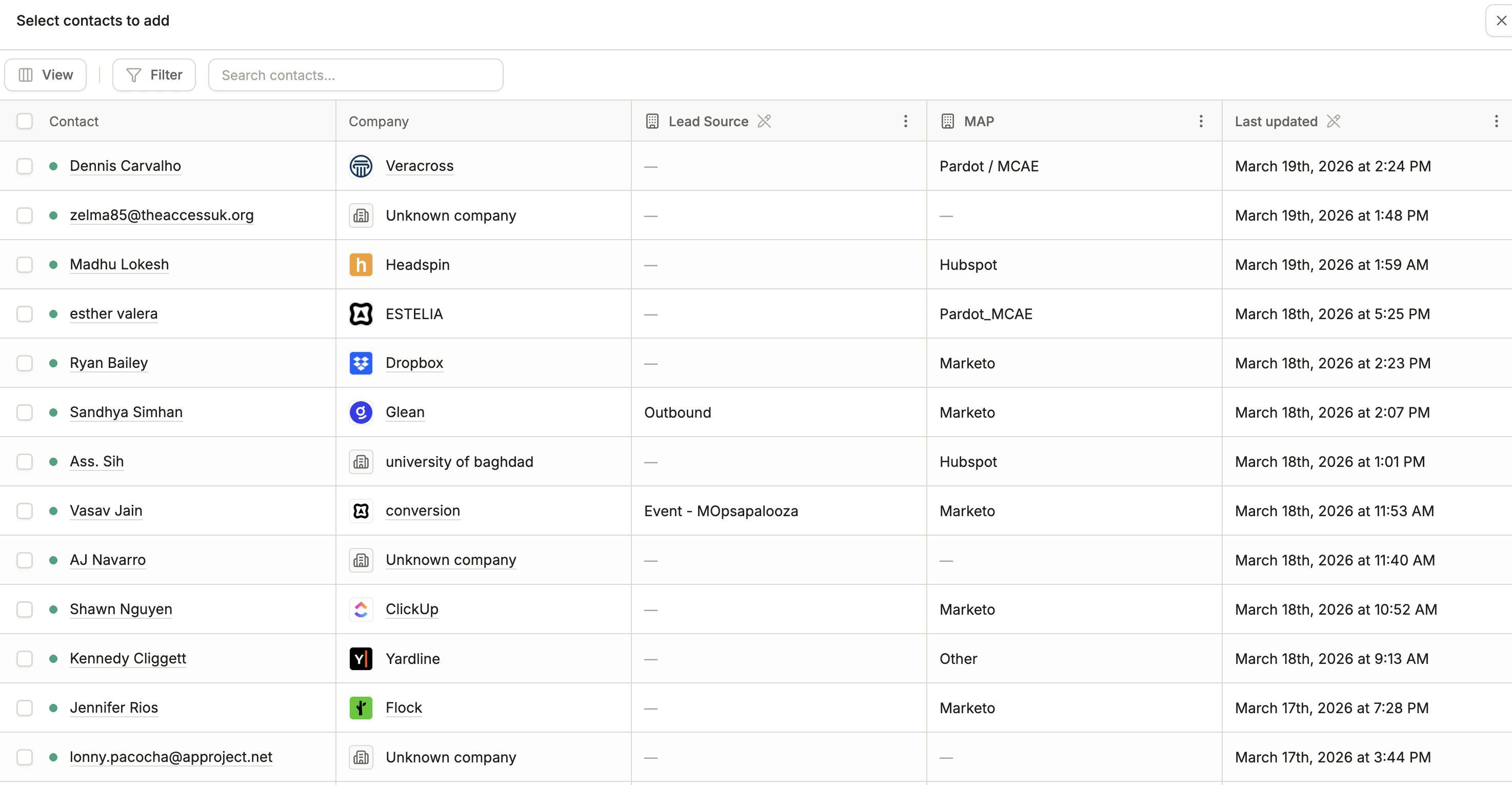
Add members
Member statuses
Statuses come from the campaign’s type, so every campaign of that type shares the same set.
Statuses are ordered, and members follow a strictly forward progression in automated contexts such as workflows, so a member who has already reached a later stage cannot be knocked back. An individual member can still be changed to a prior status by hand.
Success statuses
One or more statuses in a campaign type must be marked as a success status. A success status indicates that the member has meaningfully responded to or engaged with the campaign. For example, Attended or Converted.Every campaign type requires at least one success status. This is also a Salesforce requirement used for campaign ROI and response rate metrics.
Updating and removing members
Select a member inside the campaign to reveal the actions:- Update status sets any status available on the campaign, including moving the member backward.
- Remove member takes the contact off the campaign. Members can always be added again later.
Member fields
A campaign member can carry its own fields, separate from the contact record. A member field describes that contact’s participation in this one campaign, such as the date they responded or a link that belongs only to them. Member fields are defined in workspace settings and appear as columns alongside each member, where you can edit them inline. In a workflow, set them with the Update Campaign Member Field node. Reference them in the campaign’s assets with Liquid:Member fields resolve against the campaign an asset lives in, so keep a campaign’s emails and forms inside the campaign. See Assets.