

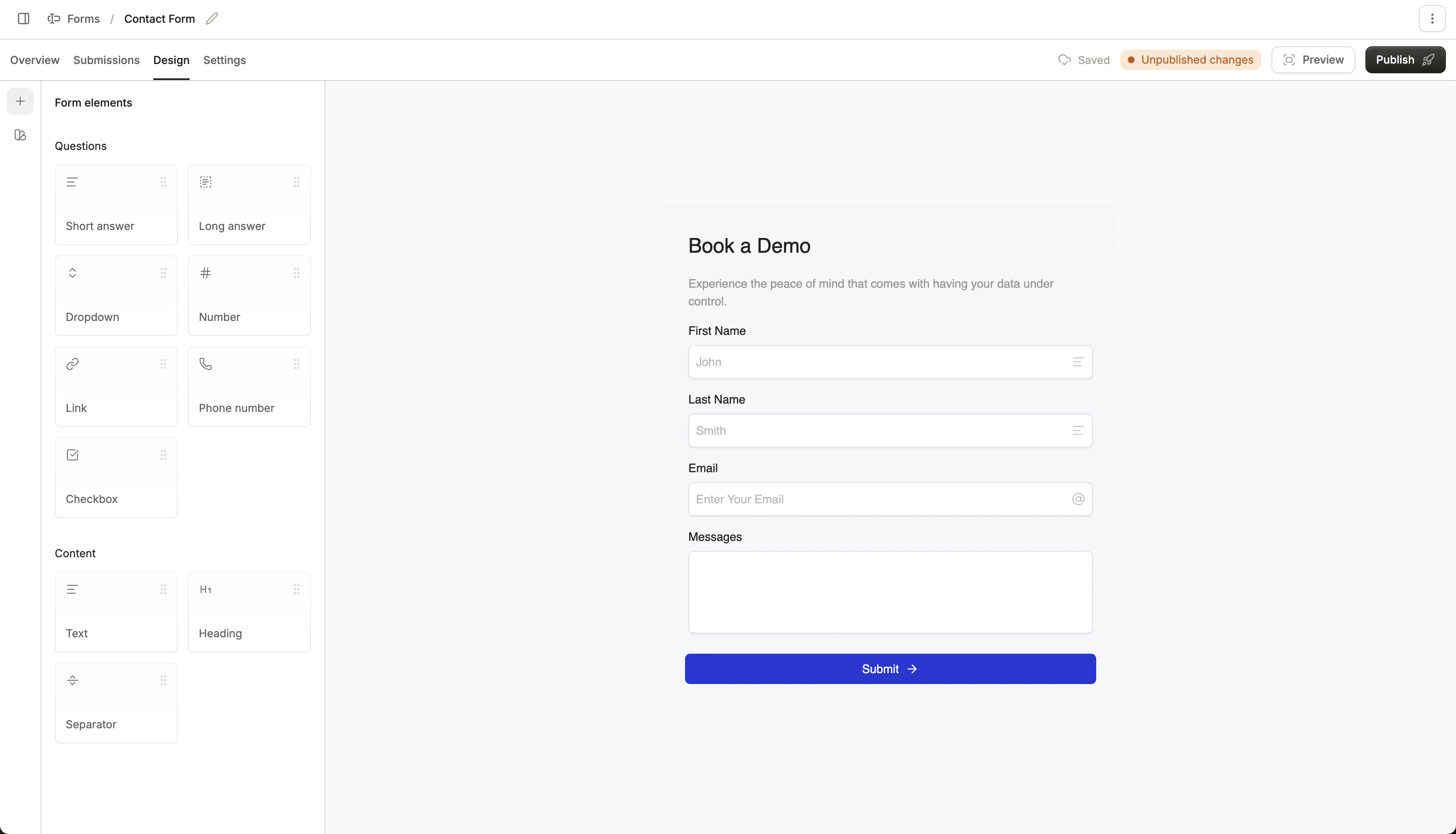
Design custom lead capture forms in Conversion
Types of forms
There are four types of forms Conversion supports:Embedded forms
Embedded forms are forms you design in Conversion using the forms builder, that are embedded onto your website page using an iframe script. These are perfect for forms you want to own and design in Conversion, and are easy to set up. Embedded forms can also show or hide fields dynamically with conditional fields.Forms SDK
Use Conversion’s JavaScript Forms SDK to record form submissions programmatically on your site. Read more about the Forms SDK. Using the Forms SDK is best if you have a custom form built on your website that you wish to send data through to Conversion.External forms
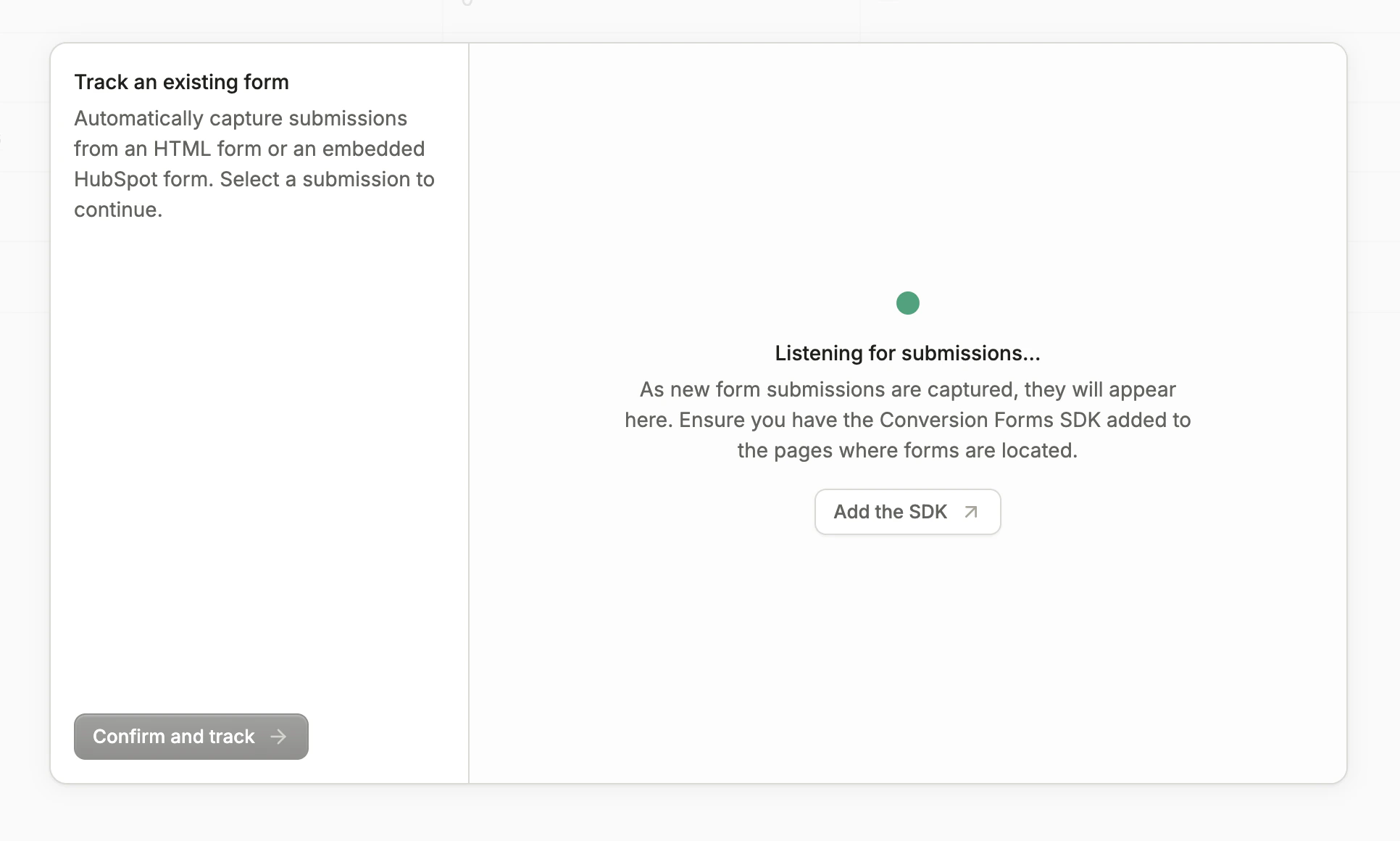
Conversion can listen to external or third-party forms and read form submissions from them. These external forms must be JavaScript forms (<form>), use input fields (<input>), and call the submit event.
The form is identified via the id, falling back to name if it doesn’t exist. The field names that appear in the tracked form submissions are the names of the <input> elements.
If an email address is not passed through a form, it will not be mapped to or create a contact.
Lead generation forms
Sync Meta or LinkedIn lead generation forms so ad leads create or update contacts in Conversion automatically. These forms are designed and hosted on the ad platform; Conversion receives submissions after you sync and map fields. Read more in Lead generation forms.Creating a new form
To create a new form, click the New form button in the top right. You can choose from these options:- Create a new form
- Track an external form
- Sync a lead gen form
This can either be used as an embedded form, or a form that listens to submissions programmatically through the Forms SDK.
Frequently Asked Questions
Why are my form submissions not going through?
Why are my form submissions not going through?
Here are common reasons your form submissions may not be going through:
- The form must first be Published before it can collect form submissions.
- Conversion only collects submissions from forms located on website pages with your business’s registered base domain.
- To test submissions on another domain, toggle the Allow any origin for testing setting under the form’s General Settings.
Why isn't my embedded Conversion form displaying on my website?
Why isn't my embedded Conversion form displaying on my website?
Conversion embedded forms only display on website pages hosted on your business’s registered base domain.To allow the form to be viewed and submitted on other domains for testing, toggle the Allow any origin for testing setting under the form’s General Settings.
Why are two external forms on different pages being routed to one Conversion form?
Why are two external forms on different pages being routed to one Conversion form?
Conversion identifies external forms via the HTML form element
id, falling back to name if it doesn’t exist. Thus, if a form with the same id exists on two different pages, their submissions will be routed to one Conversion form.