

Contacts that match specific criteria
Use this option to create an audience based on filter conditions. If the audience is dynamic, Conversion will automatically include any contacts that match your defined criteria, and keep the audience up to date as contact data changes. If the audience is static, changes to the contact criteria will not lead to changes in the audience.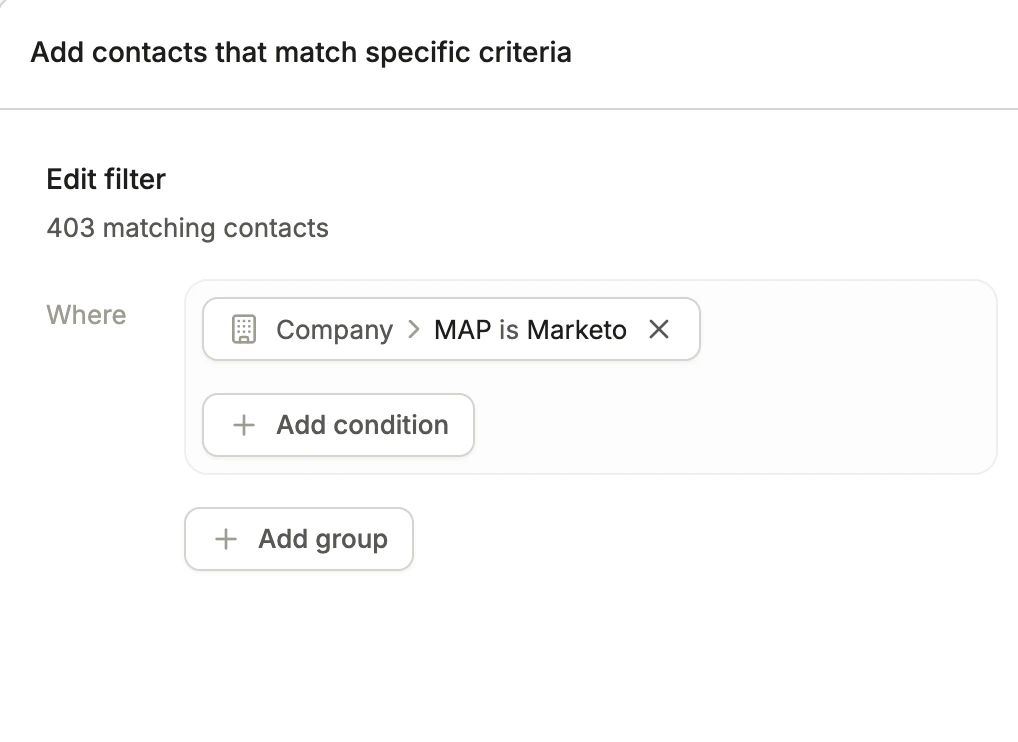
Define filter criteria to build a dynamic audience
Start with an empty audience
Use this option to create a blank static audience. Once created, you can manually add contacts or import them via CSV. This is a good starting point when you want to build a curated list without defining filter criteria upfront.Importing from CSV
You can create a static audience by importing a CSV file. Click Import from CSV from the audiences list. During the import, you can map each column in your CSV to the corresponding contact or company field in Conversion. If a column isn’t relevant, you can skip it and it won’t be imported.CSV imports create or update contacts based on email address. Make sure your CSV includes an email column so contacts can be correctly identified or created.