

Previewing your email
Click Preview in the top right of the email builder to open the preview mode.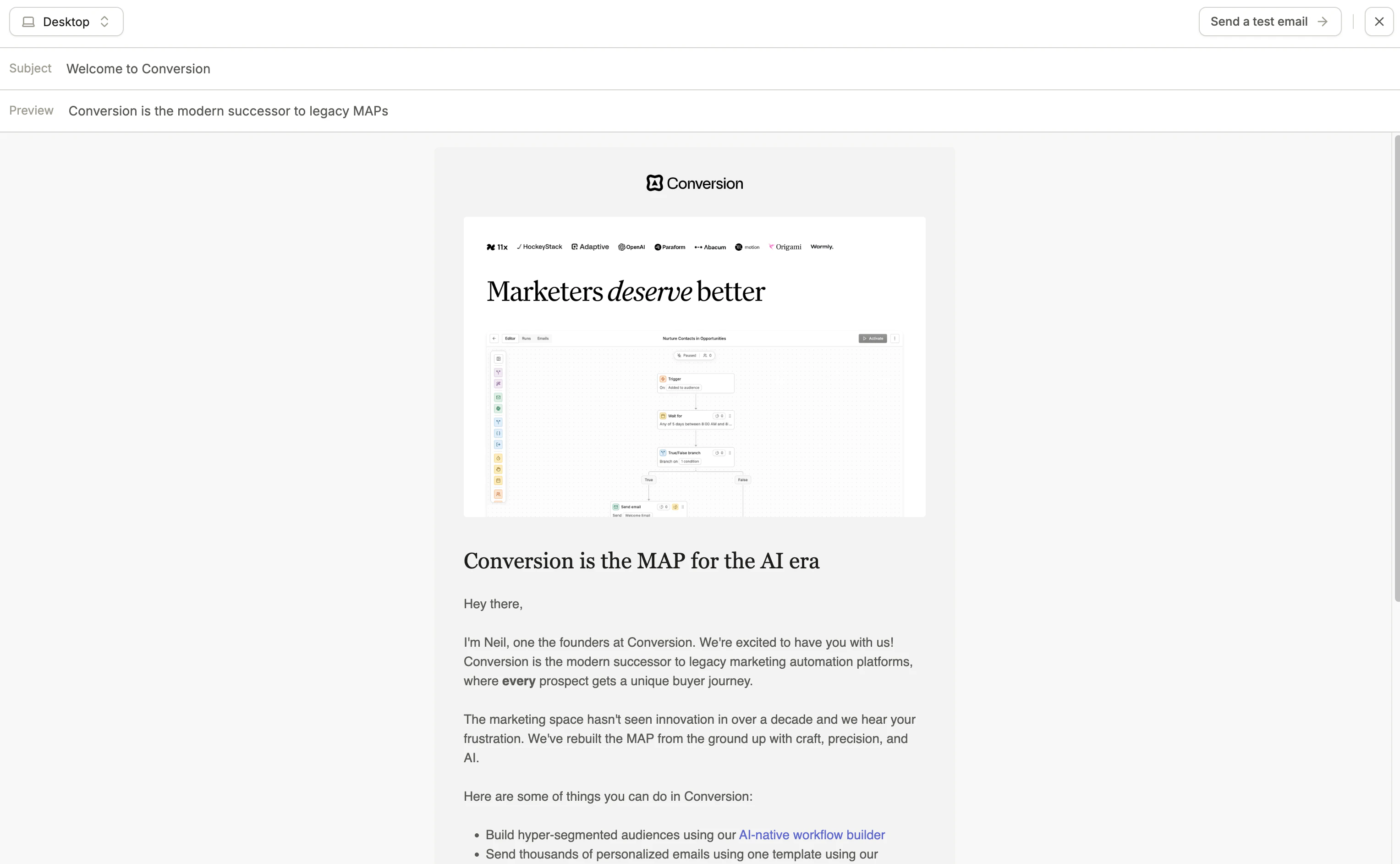
Email preview mode
Sending a test email
You can send a test version of your email to any address to see exactly how it renders in a real inbox.We recommend using an email testing tool such as Litmus or Email on Acid to preview how your email renders across different email clients like Gmail, Outlook, Apple Mail. Email clients can render emails differently.