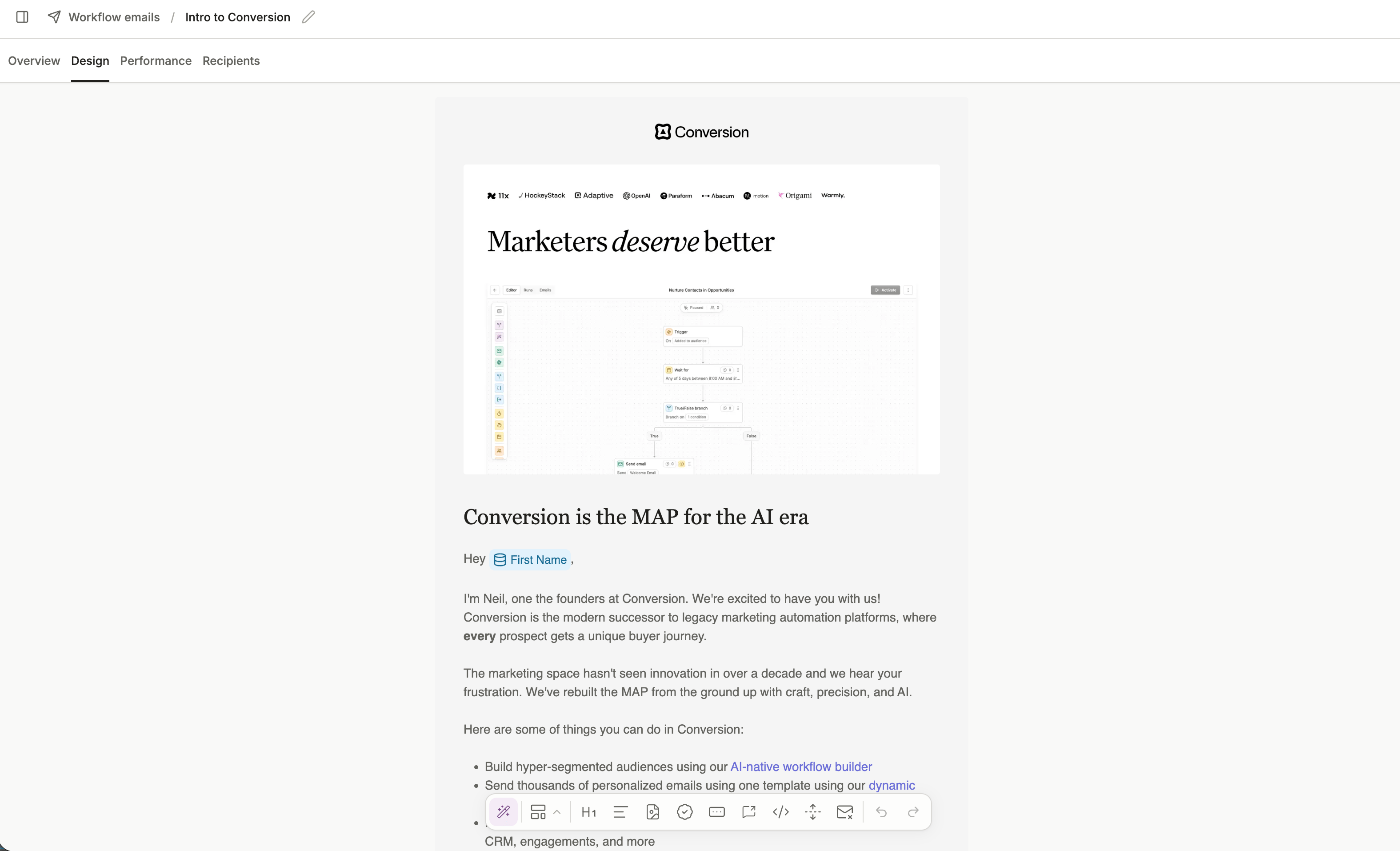
The right-hand panel shows the email’s Theme & settings when nothing is selected: the workspace theme the email uses, plus per-email page options like the content or full-width layout. Selecting a block switches the panel to that block’s inspector, where any style you set overrides the theme for that block only.
Your email is saved automatically as you build. You can rename the email at any time by clicking the edit icon next to the email name at the top of the builder.
Was this page helpful?
Assistant
Responses are generated using AI and may contain mistakes.