


Apollo integration under Settings > Integrations
Connecting Apollo
Navigate to Settings > Integrations and select Apollo from the available integrations. Complete OAuth authentication with your Apollo account credentials. Once authorized, Apollo appears in your integrations list with a green Connected badge and the email address of the connected account. The options menu offers Connect a different account and Disconnect account if credentials expire or you need to switch accounts. If authorization fails with Your Apollo account doesn’t have the necessary permissions, review the permissions below and ask your Apollo admin to grant them.Required permissions
1
Authorize third-party apps
Ensure the “Can authorize third-party apps/integrations via OAuth” box is checked in Apollo under Settings > Users and teams > Permission profiles. Read more in the Apollo OAuth documentation.
2
Verify required scopes
The authenticating user must have the following scopes enabled in Apollo: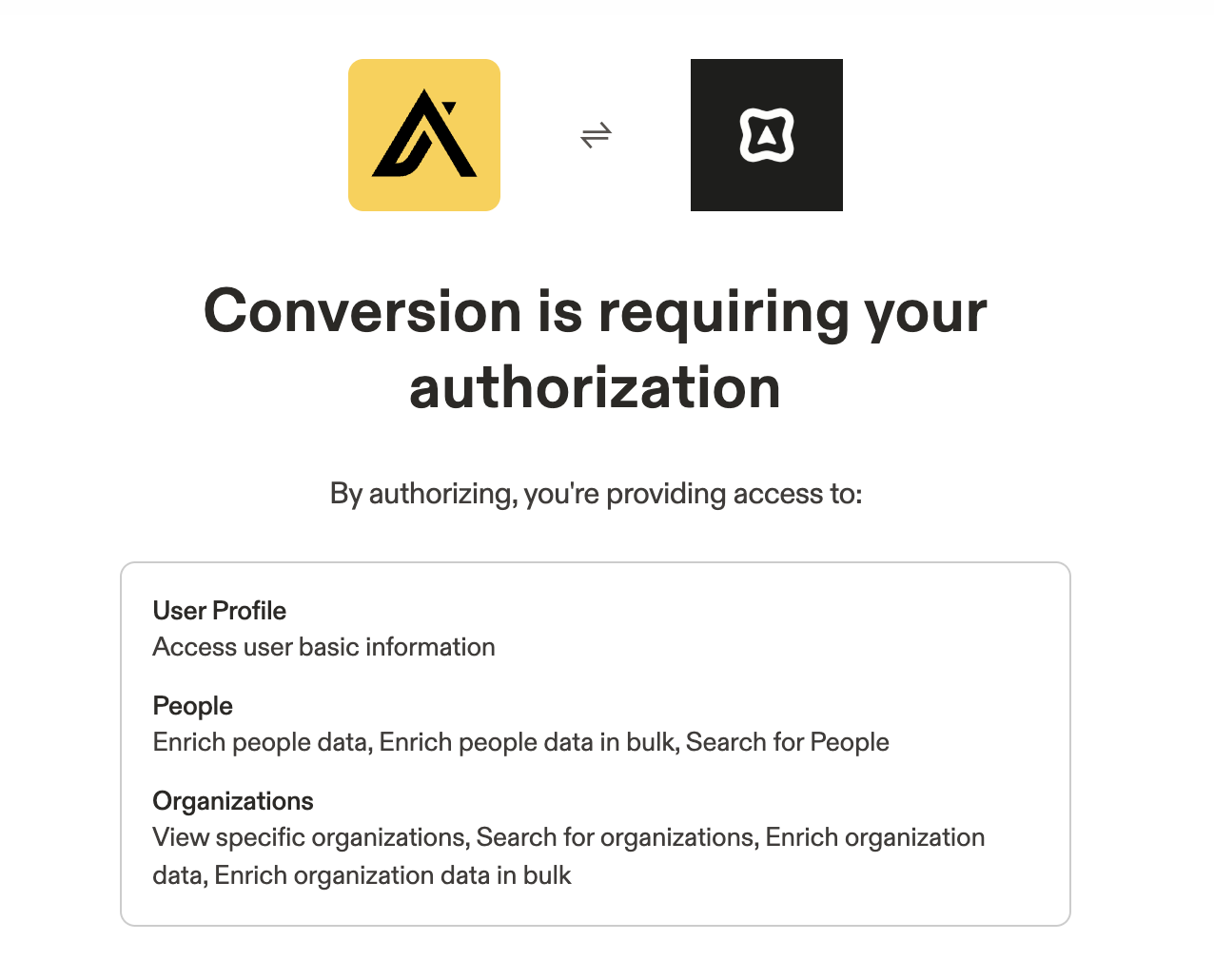
app_scopespeople_matchpeople_bulk_matchpeople_searchorganization_readorganizations_searchorganizations_enrichorganizations_bulk_enrich