

Prerequisites
You must connect your Slack workspace before using this node. See Slack integration for setup instructions.Configuration
If the channel you are looking for isn’t appearing in the dropdown, you can paste in the 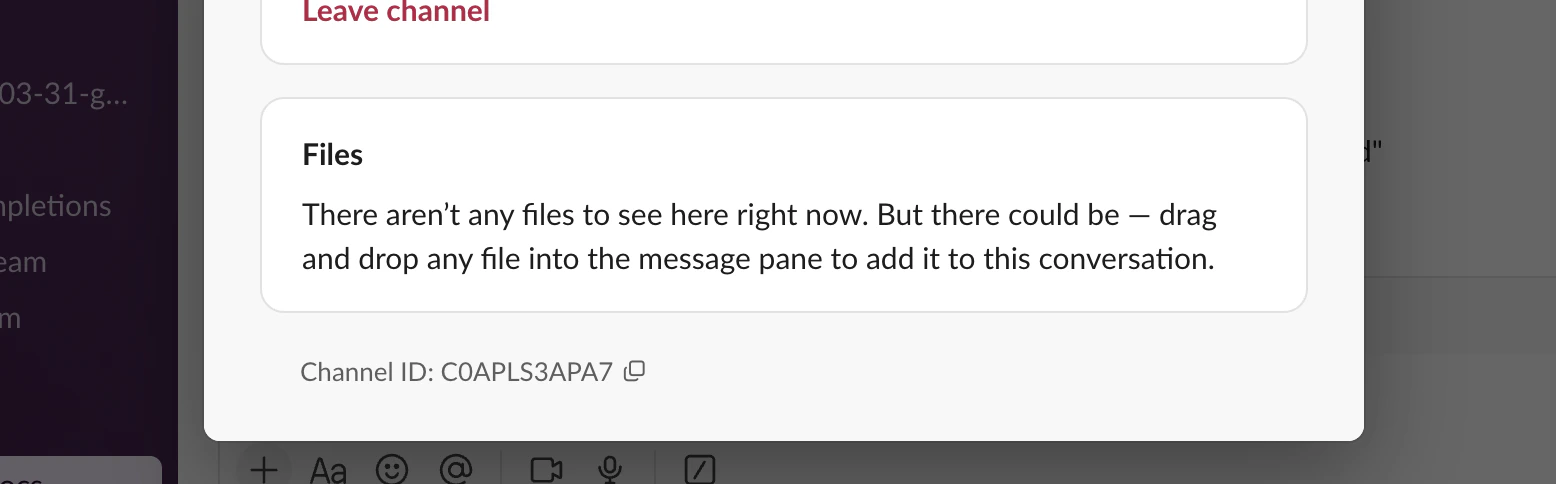
Channel ID (found under the channel Settings → About) into the search bar.Dynamic values in messages
Type/ in the message field to open the command menu and insert liquid expressions, contact fields, or tokens. Values resolve at runtime with the contact’s current data.
Text inputs in this node support Liquid templating. Type
/ to choose from Add liquid, Add a field, or Add a token to insert dynamic values.Opportunity data isn’t available through Add a field — opportunity fields can only be referenced via Liquid. To insert the most recent opportunity’s name, amount, or stage, choose Add liquid and use the
company._opportunities object. See Opportunities in Liquid for the full syntax and an example Slack message.Behavior
- The node sends one Slack message per contact that passes through it.
- Messages are sent immediately when the contact reaches the node (subject to any upstream delays).
- If the Slack workspace is disconnected or the channel no longer exists, the message fails silently and the contact continues to the next node.